
Replace Vercel, Sentry & Plausible for $5/Month (Real Setup)
I replaced four paid subscriptions ($152/mo) with one $5/mo self-hosted server: real deployment, a…
Are you planning to launch a WordPress site but confused about server specs? Last month, I helped a friend launch her first WordPress site for her local bakery. Everything seemed perfect until her site crashed during her busiest weekend. The culprit? Her hosting provider was running PHP 7.2 (which reached end-of-life years ago) and had only 256MB of memory allocated.
That painful lesson taught us both something important: WordPress server requirements in 2025 are more critical than ever for reliable performance. Moreover, WordPress might be flexible, but skimping on server requirements will bite you when you need reliability most.
If you’re planning to launch a WordPress site in 2025, then getting the server requirements right from day one will save you headaches, downtime, and potentially lost customers. Additionally, WordPress technically runs on almost anything, but “technically works” and “works well under pressure” are two very different things.
Get free WordPress & AI tips
Join 500+ readers. No spam, unsubscribe anytime.
In this guide, I’ll walk you through the 6 critical WordPress server requirements you need to know. Furthermore, this information comes from both WordPress.org’s official recommendations and real-world experience managing WordPress sites that actually need to perform.
WordPress server requirements are the minimum technical specifications your hosting environment needs to run WordPress effectively. Think of them as the foundation of your digital house – cut corners here, and everything built on top becomes unstable.
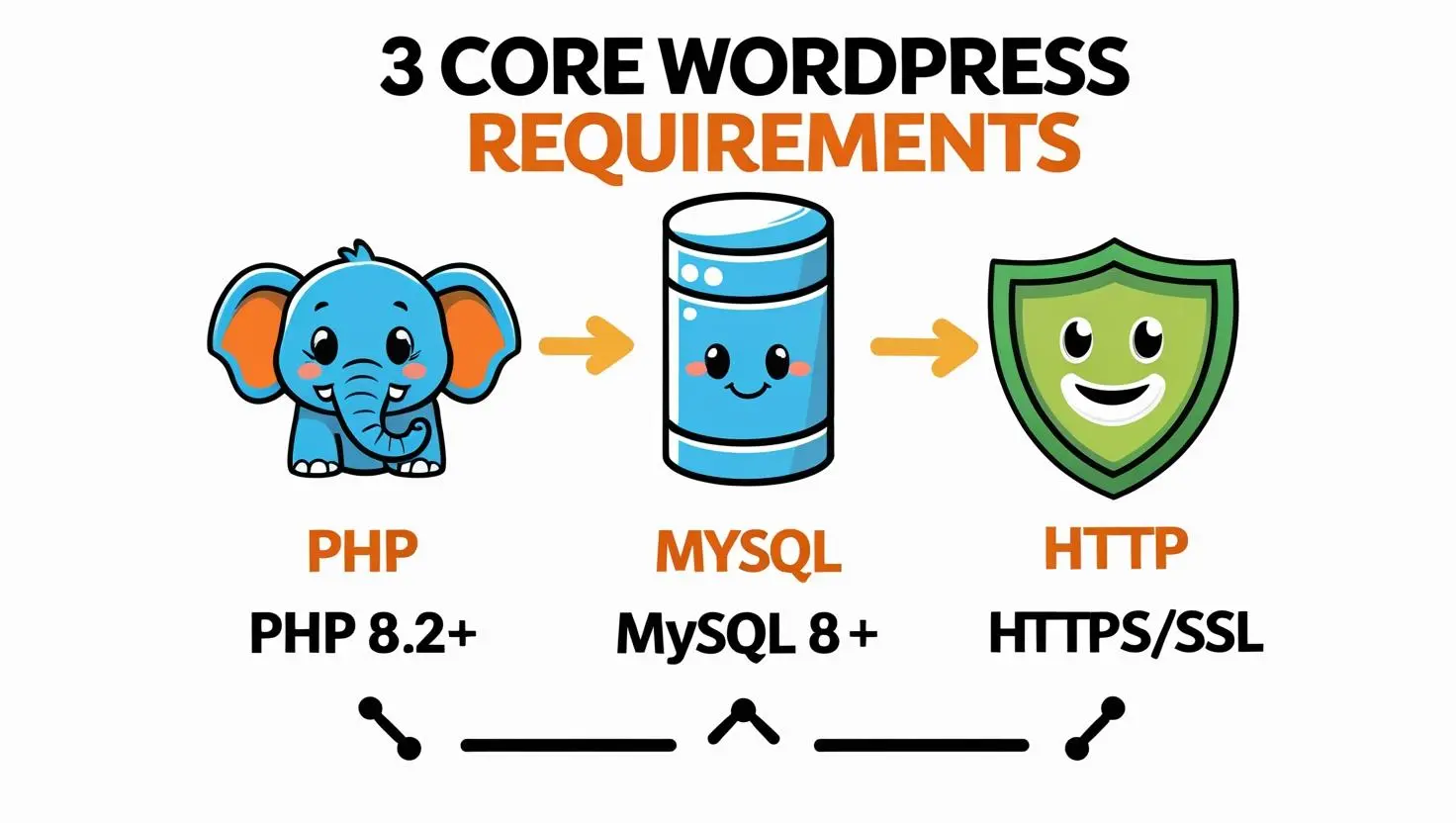
Currently, WordPress officially requires PHP version 7.4 or greater, MySQL version 5.7 or greater (or MariaDB version 10.4 or greater), and HTTPS support. However, sticking to just the minimums is like buying a car based only on whether it starts – you want something that actually gets you where you’re going reliably.
Here’s what happens when your server doesn’t meet proper WordPress server requirements:
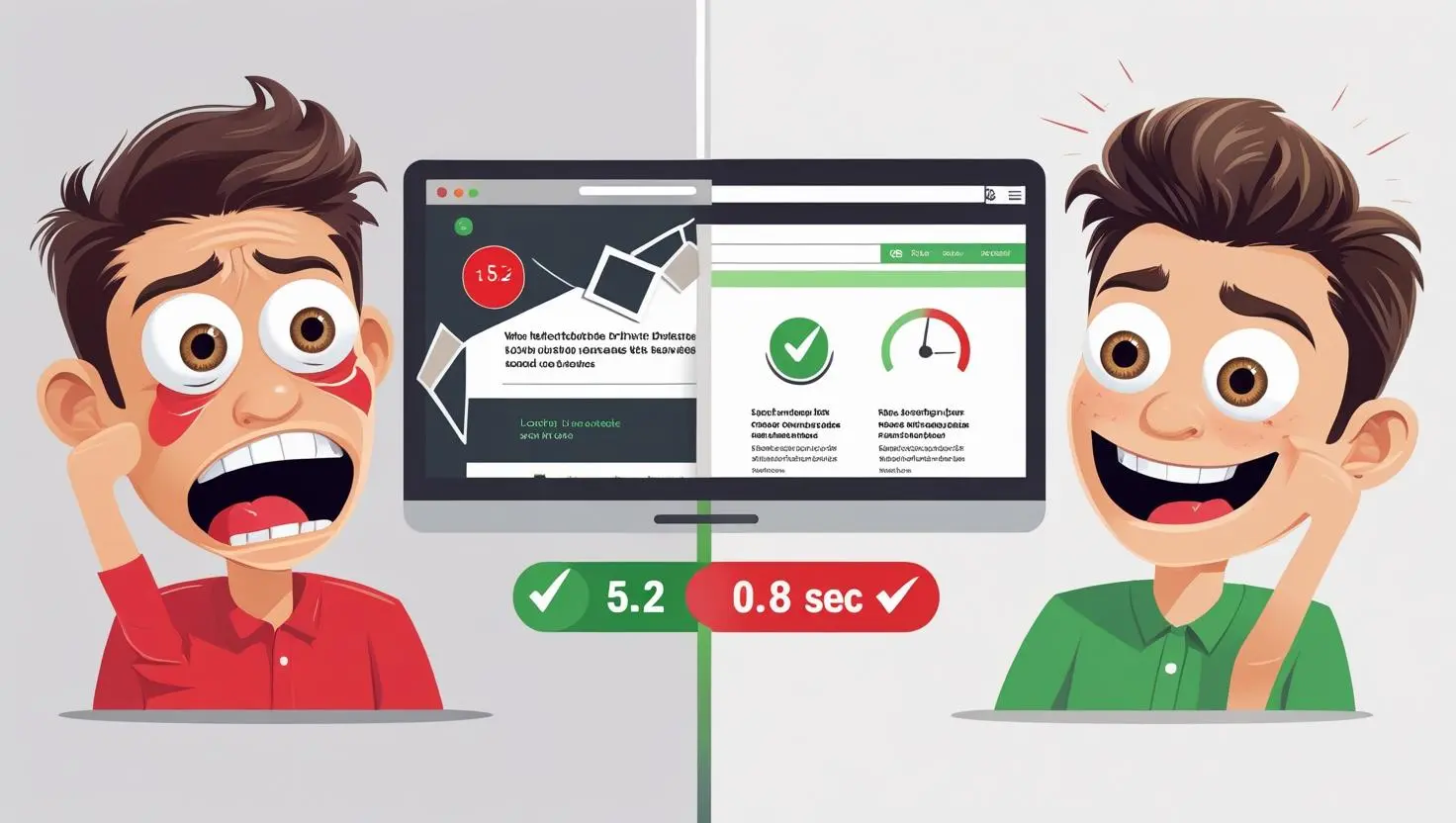
Importantly, WordPress server plays a big role in your site’s performance. Limited server specifications can slow down your site, which consequently has a negative impact on user experience and keyword rankings. In 2025, with Core Web Vitals being a ranking factor and users expecting sub-2-second load times, getting this foundation right isn’t optional.
Minimum: PHP 7.4+
Recommended: PHP 8.2 or 8.3
What Works Best: PHP 8.2 (stable and well-tested)
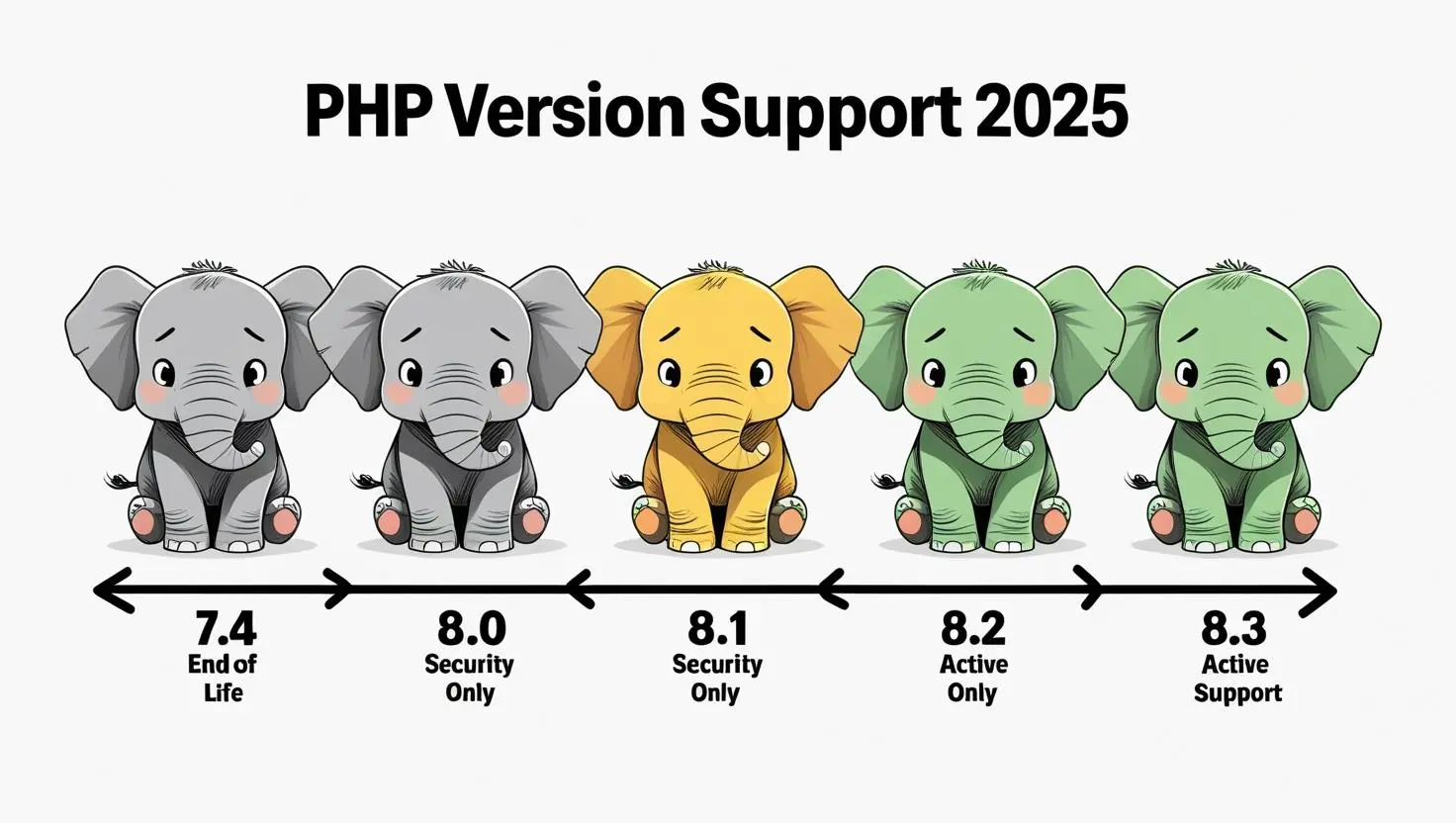
WordPress 6.8 supports PHP 8.1 (Security Support), 8.2 (Active Support), 8.3 (Active Support), and 8.4 (Candidate Support). However, here’s the important thing – PHP version 7.4 no longer gets any security updates, which makes it a security risk.
Why This Matters for WordPress Performance:
How to Check Your Current PHP Version:
Important Note: Before upgrading PHP, always test on a staging site first. Many sites break during automatic PHP updates because they were running old plugins.
WordPress Database Options:
Best Choice: MySQL 8.0 LTS for stability
Currently, WordPress 6.8 supports MySQL 8.0 (LTS), 8.4 (LTS), and 9.1, plus MariaDB 10.5 through 11.5. The database is where all your posts, pages, user data, and settings live. Furthermore, a properly configured database can make the difference between a snappy site and one that feels sluggish.
Database Performance Tips:
How to Check Your Database Version:
Best WordPress Server Options:
According to WordPress hosting handbook, Apache or Nginx is recommended as the most robust and featureful server for running WordPress. Nevertheless, any server that supports PHP and MySQL will work.
My Server Setup Experience: Most of my sites run on Nginx because it handles concurrent users better. However, for beginners, Apache is often easier to configure and more universally supported.
Essential Server Features to Look For:
Minimum Hardware Specifications:
What Actually Works Well:
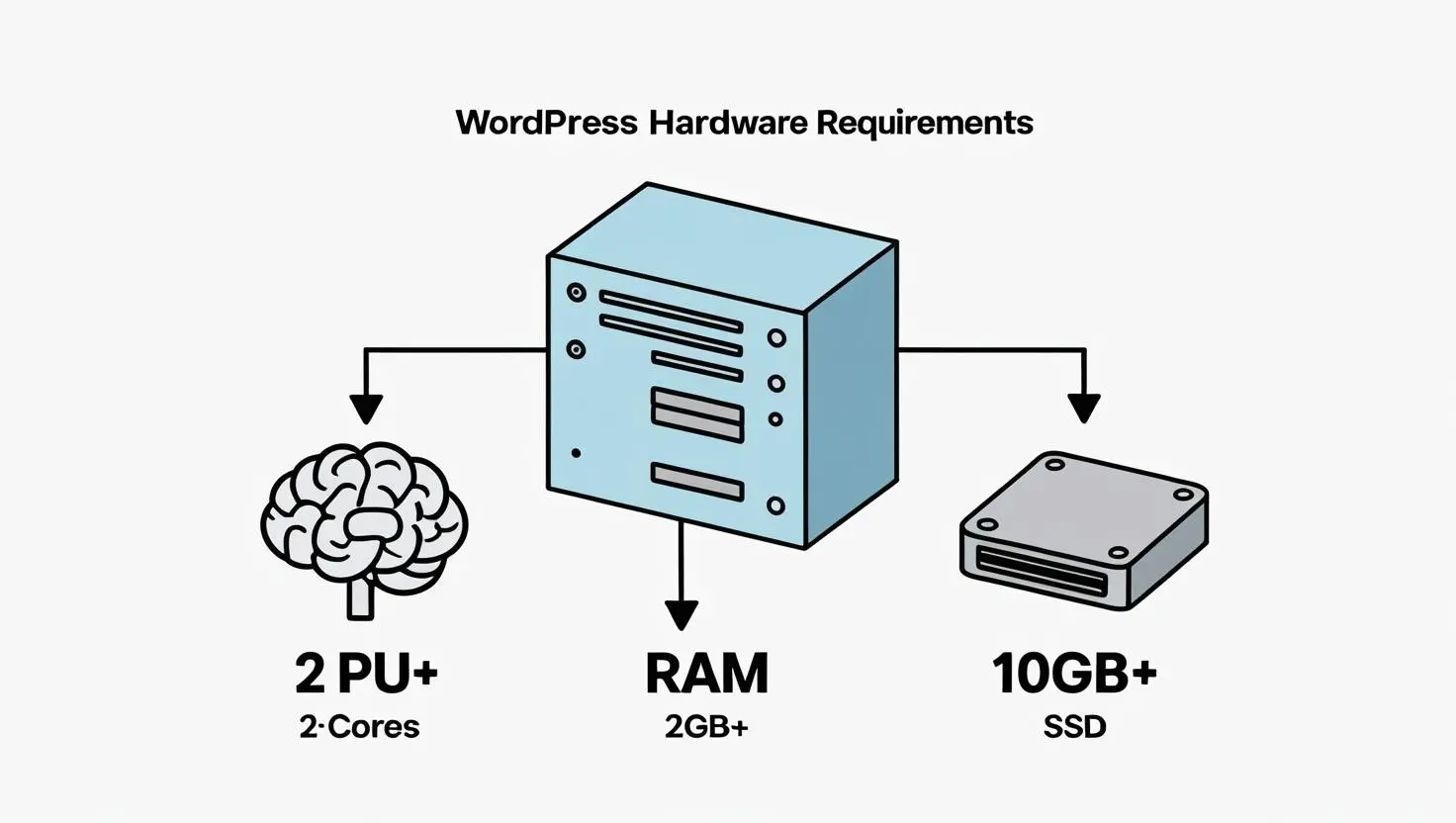
WordPress requires a minimum of 1GB RAM for basic functionality, and for optimal performance, 2GB or more is recommended. However, here’s my real-world experience: anything less than 2GB RAM will struggle once you add caching, security plugins, and start getting traffic.
Storage Type Considerations:
Pro Tip: Don’t just look at storage size – ask about I/O limits. Some cheap providers throttle disk operations, which can slow your site even with SSDs.
Essential HTTPS Requirements:
HTTPS makes it harder for hackers to eavesdrop on your connection, and it helps make your site more secure. Plus, it also sends a positive signal to search engines like Google and helps improve your WordPress SEO. In 2025, running a site without HTTPS is like leaving your front door unlocked.
What to Look For in SSL Support:
Minimum PHP Settings:
What Works Better in Practice:
According to hosting optimization guides, memory limits should be at least 512MB PHP memory limit, 1GB+ for eCommerce sites.
[Image suggestion: PHP configuration settings panel or code snippet showing optimal memory settings]
How to Check Your PHP Settings:
<?php phpinfo(); ?>
For those managing their own servers or VPS, here are the MySQL configurations that work well:
innodb_buffer_pool_size = 70% of available RAM
max_connections = 200 (500 for high-traffic sites)
query_cache_size = 128M
Essential PHP Extensions:
Recommended PHP Configuration:
opcache.memory_consumption=256M
opcache.max_accelerated_files=10000
opcache.revalidate_freq=2
Page caching should include Varnish cache or similar full-page caching with 1GB+ cache storage. I’ve seen caching reduce load times from 3 seconds to under 1 second.
[Image suggestion: Comparison table of shared hosting providers with key specs and pricing]
Quick Fix: Increase PHP memory limit in wp-config.php:
ini_set('memory_limit', '256M');
Common Cause: PHP version incompatibility Fix: First, downgrade PHP temporarily, then update plugins, and finally upgrade PHP again
Solution: Enable query caching and consider database optimization plugins like WP-Optimize
The physical location of your server affects loading speed significantly. If a user is located near your server, then your site will load faster compared to someone living further away. For global audiences, combining regional hosting with a CDN works best.
CDN Options That Work Well:
Based on testing and client work, here are hosting providers that consistently meet and exceed WordPress hosting requirements:
Before choosing any hosting provider, verify they offer:
✅ PHP 8.2+ support with easy version switching
✅ MySQL 8.0+ or MariaDB 10.5+ database options
✅ SSD storage (minimum 10GB, preferably more)
✅ 2GB+ RAM allocation for your hosting plan
✅ Free SSL certificates with automatic renewal
✅ Daily backups included in the plan
✅ Staging environment for testing changes
✅ CDN integration or built-in CDN
✅ 24/7 support with WordPress expertise
✅ Scalability options as your site grows
Getting WordPress server requirements right isn’t about having the most expensive hosting. Instead, it’s about matching your technical foundation to your site’s actual needs. Start with hosting that exceeds the minimums, then monitor your site’s performance, and scale up as you grow.
Final recommendation: If you’re just starting out, go with managed WordPress hosting from SiteGround or Kinsta. Yes, it costs more than basic shared hosting, but the time you’ll save troubleshooting server issues is worth every penny.
Next Steps:
Got questions about WordPress server requirements or need help choosing the right hosting setup? Drop a comment below – I read every one and often turn the best questions into detailed tutorial posts.
Remember: A solid server foundation lets you focus on what really matters – creating great content and growing your audience. Get the technical stuff right once, then concentrate on building something awesome.
WordPress requires PHP version 7.4 or greater, MySQL version 5.7 or greater (or MariaDB version 10.4 or greater), and HTTPS support. However, for optimal performance in 2025, PHP 8.2+, MySQL 8.0+, and at least 2GB of RAM work much better.
WordPress can technically run on older specifications. However, older PHP or MySQL versions have reached their official End Of Life and may expose your site to security vulnerabilities. For a production site in 2025, always use supported versions.
The WordPress installation itself is very lightweight (1GB). Nevertheless, disk space is required for additional resources, most notably for themes, plugins, media files, and especially videos. Starting with at least 10GB of SSD storage is recommended.
Both work excellently with WordPress server requirements. MySQL is the original database system, while MariaDB is an open-source fork with enhanced performance features. Official recommendations include MySQL 8.0 LTS and MariaDB 10.11 LTS for optimal compatibility.
While not technically required, a CDN significantly improves loading speeds for global visitors. The physical distance between your site’s server location and the user’s location can affect the loading speed of your website. Therefore, a CDN helps eliminate this geographic lag.